
← Insights

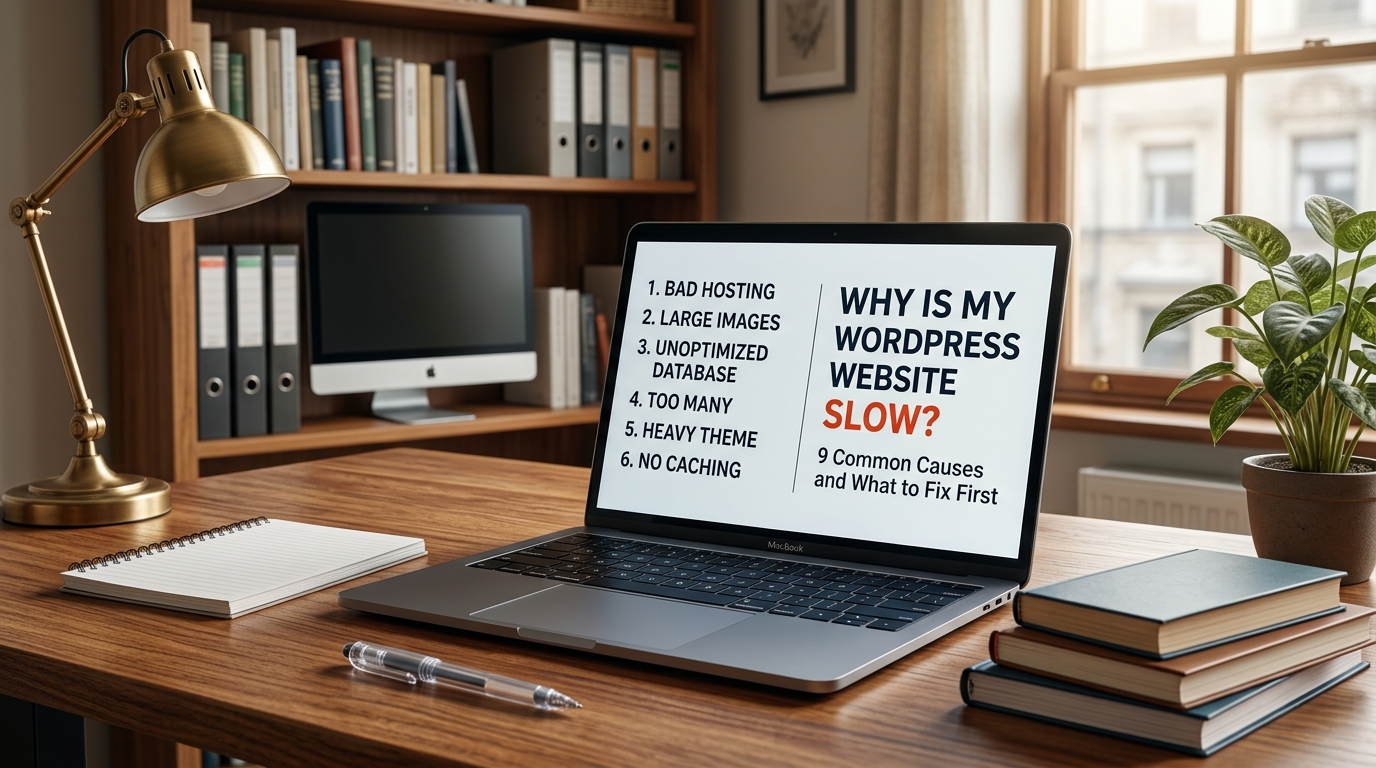
Why Is My WordPress Website Slow? 9 Common Causes and What to Fix First

A slow WordPress website can cost you visitors, leads and sales. Here are nine common causes of poor performance and what you should check first.

Why Is My WordPress Website Slow? 9 Common Causes and What to Fix First

A WordPress website can feel fast when it is first launched and gradually become slower as plugins, images, scripts and content are added.

Sometimes the cause is obvious. Other times, several small issues combine to make the website feel heavy.

The good news is that a slow WordPress site does not always need a complete rebuild.

Here are some of the most common causes we look at when troubleshooting website performance.

1. Your images are much larger than they need to be

Images are one of the most common causes of slow websites.

A photograph uploaded directly from a modern phone or camera can easily be several megabytes, even though the website may only display it at 800 or 1200 pixels wide.

That means visitors are downloading far more data than they actually need.

A better approach is to:

  • resize images before or during upload
  • compress them properly
  • use modern formats such as WebP or AVIF where appropriate
  • avoid loading full-resolution images inside small cards
  • lazy-load images that are below the visible part of the page

Image optimization alone can make a noticeable difference on image-heavy websites.

2. Too many WordPress plugins are loading on every page

Plugins are not automatically bad.

A well-built website can use several plugins and still perform extremely well.

The problem is usually what those plugins load.

Some plugins add JavaScript, CSS, fonts, tracking scripts and database queries to every page, even when their functionality is only needed in one small part of the site.

For example, a plugin used for a contact form may load its assets across the entire website.

The important question is not simply:

“How many plugins do I have?”

It is:

“What is each plugin adding to the website?”

Unused and poorly maintained plugins should be removed rather than simply deactivated and forgotten.

3. Your hosting is struggling

WordPress performance is not only about the website itself.

The server still has to process PHP, access the database and generate the page.

Cheap or overloaded shared hosting can cause slow server response times even when the front-end design is reasonably optimized.

Common hosting-related problems include:

  • overloaded servers
  • limited CPU or memory
  • slow storage
  • outdated PHP versions
  • poor database performance
  • no server-level caching

Moving to better hosting can help, but migration should not be the first answer to every performance problem.

It is better to identify whether the server is actually the bottleneck before moving the website.

4. There is no effective caching

Without caching, WordPress may have to assemble a page repeatedly whenever somebody visits it.

Caching allows the server to reuse an already generated version of the page instead of rebuilding everything from scratch.

Depending on the hosting environment, caching may happen at several levels:

  • page caching
  • browser caching
  • object caching
  • CDN caching
  • server-level caching

A properly configured caching system can dramatically reduce the amount of work the server needs to do.

But enabling every optimization switch in a caching plugin is not always a good idea.

Aggressive CSS and JavaScript optimization can sometimes break menus, forms, sliders or other interactive elements.

Optimization should be tested rather than blindly enabled.

5. Your theme or page builder is doing too much

Some WordPress themes are extremely lightweight.

Others load a large framework before your actual page content even starts.

Page builders can also introduce:

  • deeply nested HTML
  • large CSS files
  • additional JavaScript
  • unused styling
  • excessive DOM elements

That does not mean every page builder website is slow.

It means the website needs to be built carefully.

A visually impressive page does not need hundreds of unnecessary elements behind the scenes.

Good front-end development is often about achieving the same visual result with less.

6. Third-party scripts are slowing the page down

Your WordPress installation may not be the only thing loading.

Modern websites often include scripts from:

  • Google Analytics
  • advertising networks
  • live-chat platforms
  • CRM systems
  • tracking tools
  • social-media widgets
  • heatmaps
  • external fonts
  • AI chat systems

Every external service introduces another request and another dependency.

A website may be technically lightweight and still become slow because five different marketing tools are loading before the visitor can interact with the page.

Third-party scripts should be loaded only when they are actually needed.

For example, an AI support assistant does not necessarily need to load its entire application before the visitor opens it.

7. Your WordPress database needs attention

Over time, WordPress databases accumulate information.

This can include:

  • post revisions
  • expired transients
  • old plugin data
  • abandoned settings
  • logs
  • deleted content
  • large options that load automatically

Usually this is not something visitors can see directly, but it can affect the amount of work WordPress performs behind the scenes.

Database cleanup should be done carefully.

Deleting database entries without understanding what they belong to can break a website.

Backups should always come first.

8. Your website is loading resources it does not actually use

One common performance warning is unused CSS or JavaScript.

This happens when a large file is loaded even though the current page uses only a small portion of it.

For example, a theme may include styles for:

  • sliders
  • galleries
  • pricing tables
  • animations
  • WooCommerce
  • forms
  • popups

even though the current page contains none of them.

On a custom website, we can often control this much more precisely and only load what is required.

That is one reason lightweight custom themes can perform extremely well.

9. Nobody has measured the actual problem yet

This is probably the most important point.

Do not start randomly installing optimization plugins because somebody says your website feels slow.

Measure it first.

Useful tools include:

  • Google PageSpeed Insights
  • Chrome Lighthouse
  • browser developer tools
  • server logs
  • WordPress debugging tools

Look at things such as:

  • Largest Contentful Paint
  • Total Blocking Time
  • Cumulative Layout Shift
  • server response time
  • render-blocking resources
  • image sizes
  • JavaScript execution

The goal is to identify what is actually slow.

A server problem requires a different solution from an oversized-image problem.

What should you fix first?

For most WordPress websites, we would investigate roughly in this order:

  1. Check the actual performance report.
  2. Look for oversized images.
  3. Check hosting/server response.
  4. Review caching.
  5. Audit plugins and third-party scripts.
  6. Inspect the theme and front-end code.
  7. Look deeper into the database if necessary.

The important part is not to optimize blindly.

Every additional plugin or “speed booster” also adds another moving part to the website.

A fast website should still be a good website

Performance matters, but the objective is not simply to achieve a perfect score.

Your website still needs to:

  • communicate clearly
  • look professional
  • generate enquiries or sales
  • work properly across devices
  • remain easy to manage
  • stay secure and maintainable

A fast website that confuses visitors is not a successful website.

Likewise, a beautiful website that takes several seconds to become usable is creating unnecessary friction.

The best result is a balance of speed, usability, design and maintainability.

Need help finding what is slowing your website down?

If your WordPress website has become slow, unstable or difficult to maintain, SiteCraft360 can investigate the problem before recommending a rebuild.

Sometimes the solution is optimization.

Sometimes it is hosting.

Sometimes a plugin or theme is the real problem.

And sometimes rebuilding a specific part of the site makes more sense than replacing everything.

Start with the problem, then choose the solution.
FROM READING TO DOING

Have a website problem of your own?

Tell us what you are trying to build, fix or improve. We’ll help you find the sensible next step.

Start a project ↗Fix my website
← Insights
ShopifySep 28, 20266 min

Why Is My WordPress Website Slow? 9 Common Causes and What to Fix First

A slow WordPress website can cost you visitors, leads and sales. Here are nine common causes of poor performance and what you should check first.

Why Is My WordPress Website Slow? 9 Common Causes and What to Fix First

A WordPress website can feel fast when it is first launched and gradually become slower as plugins, images, scripts and content are added.

Sometimes the cause is obvious. Other times, several small issues combine to make the website feel heavy.

The good news is that a slow WordPress site does not always need a complete rebuild.

Here are some of the most common causes we look at when troubleshooting website performance.

1. Your images are much larger than they need to be

Images are one of the most common causes of slow websites.

A photograph uploaded directly from a modern phone or camera can easily be several megabytes, even though the website may only display it at 800 or 1200 pixels wide.

That means visitors are downloading far more data than they actually need.

A better approach is to:

  • resize images before or during upload
  • compress them properly
  • use modern formats such as WebP or AVIF where appropriate
  • avoid loading full-resolution images inside small cards
  • lazy-load images that are below the visible part of the page

Image optimization alone can make a noticeable difference on image-heavy websites.

2. Too many WordPress plugins are loading on every page

Plugins are not automatically bad.

A well-built website can use several plugins and still perform extremely well.

The problem is usually what those plugins load.

Some plugins add JavaScript, CSS, fonts, tracking scripts and database queries to every page, even when their functionality is only needed in one small part of the site.

For example, a plugin used for a contact form may load its assets across the entire website.

The important question is not simply:

“How many plugins do I have?”

It is:

“What is each plugin adding to the website?”

Unused and poorly maintained plugins should be removed rather than simply deactivated and forgotten.

3. Your hosting is struggling

WordPress performance is not only about the website itself.

The server still has to process PHP, access the database and generate the page.

Cheap or overloaded shared hosting can cause slow server response times even when the front-end design is reasonably optimized.

Common hosting-related problems include:

  • overloaded servers
  • limited CPU or memory
  • slow storage
  • outdated PHP versions
  • poor database performance
  • no server-level caching

Moving to better hosting can help, but migration should not be the first answer to every performance problem.

It is better to identify whether the server is actually the bottleneck before moving the website.

4. There is no effective caching

Without caching, WordPress may have to assemble a page repeatedly whenever somebody visits it.

Caching allows the server to reuse an already generated version of the page instead of rebuilding everything from scratch.

Depending on the hosting environment, caching may happen at several levels:

  • page caching
  • browser caching
  • object caching
  • CDN caching
  • server-level caching

A properly configured caching system can dramatically reduce the amount of work the server needs to do.

But enabling every optimization switch in a caching plugin is not always a good idea.

Aggressive CSS and JavaScript optimization can sometimes break menus, forms, sliders or other interactive elements.

Optimization should be tested rather than blindly enabled.

5. Your theme or page builder is doing too much

Some WordPress themes are extremely lightweight.

Others load a large framework before your actual page content even starts.

Page builders can also introduce:

  • deeply nested HTML
  • large CSS files
  • additional JavaScript
  • unused styling
  • excessive DOM elements

That does not mean every page builder website is slow.

It means the website needs to be built carefully.

A visually impressive page does not need hundreds of unnecessary elements behind the scenes.

Good front-end development is often about achieving the same visual result with less.

6. Third-party scripts are slowing the page down

Your WordPress installation may not be the only thing loading.

Modern websites often include scripts from:

  • Google Analytics
  • advertising networks
  • live-chat platforms
  • CRM systems
  • tracking tools
  • social-media widgets
  • heatmaps
  • external fonts
  • AI chat systems

Every external service introduces another request and another dependency.

A website may be technically lightweight and still become slow because five different marketing tools are loading before the visitor can interact with the page.

Third-party scripts should be loaded only when they are actually needed.

For example, an AI support assistant does not necessarily need to load its entire application before the visitor opens it.

7. Your WordPress database needs attention

Over time, WordPress databases accumulate information.

This can include:

  • post revisions
  • expired transients
  • old plugin data
  • abandoned settings
  • logs
  • deleted content
  • large options that load automatically

Usually this is not something visitors can see directly, but it can affect the amount of work WordPress performs behind the scenes.

Database cleanup should be done carefully.

Deleting database entries without understanding what they belong to can break a website.

Backups should always come first.

8. Your website is loading resources it does not actually use

One common performance warning is unused CSS or JavaScript.

This happens when a large file is loaded even though the current page uses only a small portion of it.

For example, a theme may include styles for:

  • sliders
  • galleries
  • pricing tables
  • animations
  • WooCommerce
  • forms
  • popups

even though the current page contains none of them.

On a custom website, we can often control this much more precisely and only load what is required.

That is one reason lightweight custom themes can perform extremely well.

9. Nobody has measured the actual problem yet

This is probably the most important point.

Do not start randomly installing optimization plugins because somebody says your website feels slow.

Measure it first.

Useful tools include:

  • Google PageSpeed Insights
  • Chrome Lighthouse
  • browser developer tools
  • server logs
  • WordPress debugging tools

Look at things such as:

  • Largest Contentful Paint
  • Total Blocking Time
  • Cumulative Layout Shift
  • server response time
  • render-blocking resources
  • image sizes
  • JavaScript execution

The goal is to identify what is actually slow.

A server problem requires a different solution from an oversized-image problem.

What should you fix first?

For most WordPress websites, we would investigate roughly in this order:

  1. Check the actual performance report.
  2. Look for oversized images.
  3. Check hosting/server response.
  4. Review caching.
  5. Audit plugins and third-party scripts.
  6. Inspect the theme and front-end code.
  7. Look deeper into the database if necessary.

The important part is not to optimize blindly.

Every additional plugin or “speed booster” also adds another moving part to the website.

A fast website should still be a good website

Performance matters, but the objective is not simply to achieve a perfect score.

Your website still needs to:

  • communicate clearly
  • look professional
  • generate enquiries or sales
  • work properly across devices
  • remain easy to manage
  • stay secure and maintainable

A fast website that confuses visitors is not a successful website.

Likewise, a beautiful website that takes several seconds to become usable is creating unnecessary friction.

The best result is a balance of speed, usability, design and maintainability.

Need help finding what is slowing your website down?

If your WordPress website has become slow, unstable or difficult to maintain, SiteCraft360 can investigate the problem before recommending a rebuild.

Sometimes the solution is optimization.

Sometimes it is hosting.

Sometimes a plugin or theme is the real problem.

And sometimes rebuilding a specific part of the site makes more sense than replacing everything.

Start with the problem, then choose the solution.

START A CONVERSATION

Have a website problem of your own?

Tell us what you are trying to build, fix or improve. We’ll help you find the sensible next step.